
Back to all works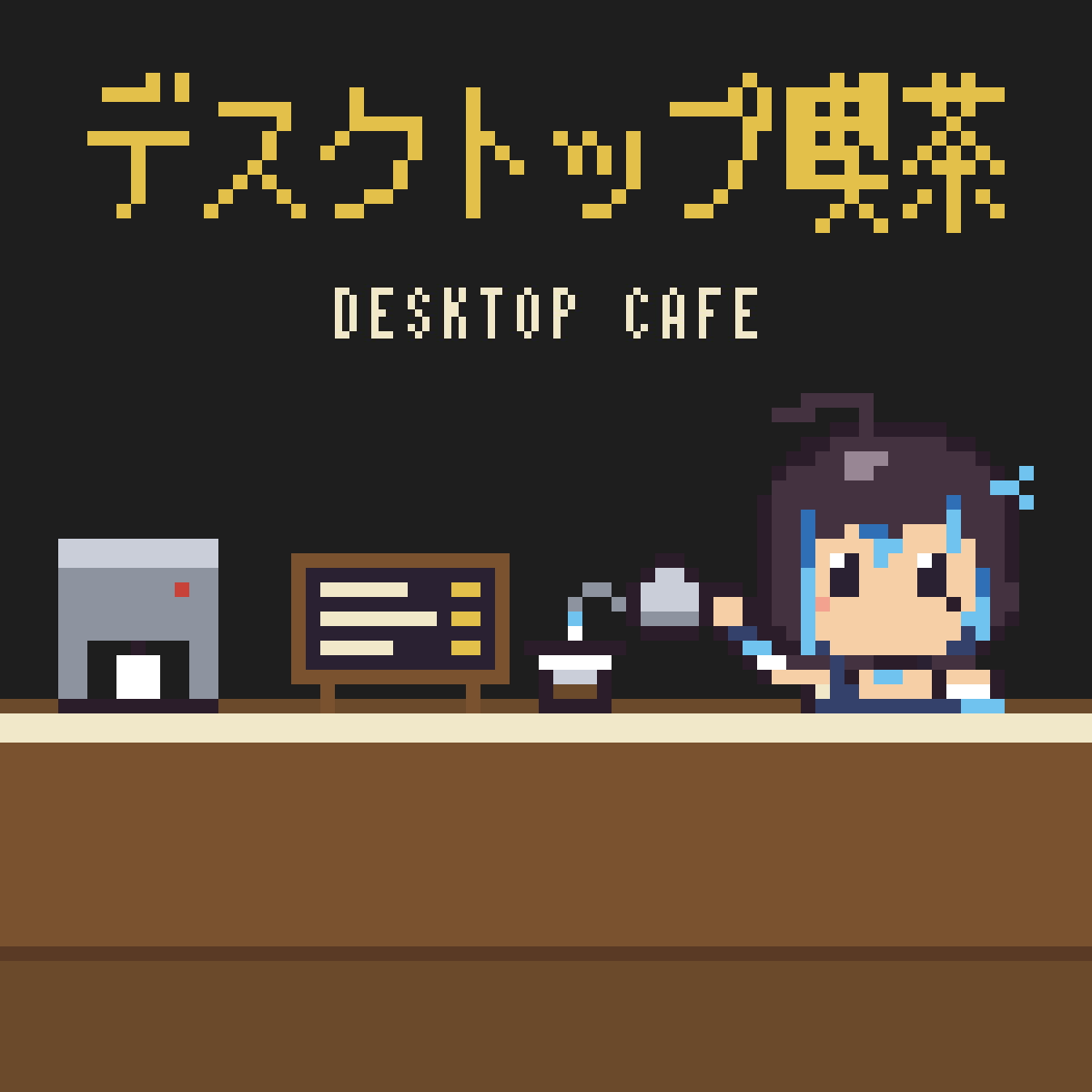
Tools & templates
NEWDesktop Cafe — an idle coffee shop at the bottom of your screen
A tiny pixel-art cafe that stays out of your way
Free
Please sign in to download.
A free account (with email confirmation) is required to purchase
✓ Download immediately after purchase · Receipt sent by email
FORMATZIP
SIZE8 MB
OSWindows 10・11 / macOS(Apple シリコン)
After purchase, re-download anytime from your purchase history — unlimited times, no expiry
A fan game of Yubari Rei.
A tiny coffee shop opens at the bottom edge of your desktop.
At last, she brews coffee for you.
Leave it running: customers come in, the master brews and serves, and money piles up. Spend it to grow the shop little by little.
- It runs on its own. You never have to stop what you are doing
- The window never jumps to the front, never takes keyboard input, and makes no sound
- Better beans, more seats, pancakes and curry on the menu, helpers, regulars, decor, back seats, a wider shop
- Click the pink cat to spin a slot. There is a jackpot once a day
- The shop keeps earning a little while the app is closed
- Japanese / English
- When a new version is out, a notice appears above the shop and one click updates it
Free. No in-app purchases, no ads. The app only goes online to check for and download updates.
Requirements
- Windows 10 / 11 (64-bit)
- macOS on Apple silicon (M1 or later). Intel Macs are not supported
Install (Windows)
- Unzip, open the `Windows` folder and double-click `desktop-cafe…x64-setup.exe`
- If Windows shows "Windows protected your PC", click "More info" → "Run anyway"
- Follow the installer. The app starts when it finishes
Install (Mac)
- Unzip, open the `Mac` folder and double-click `desktop-cafe…aarch64.dmg`
- Drag `desktop-cafe` into the Applications folder
- Open `desktop-cafe` from the Applications folder. Use the menu bar icon to control it
Reviews
No reviews yet.
Only purchasers can post a review.